

Why a flow is not calling
A live flow still waits on the delay, the calling window, a phone number, and consent. Quiet is often the schedule, not a broken switch.
Open the flow and check that it says on, not draft and not paused. Then check the trigger. An abandoned-checkout flow does nothing until Shopify records an abandoned checkout after the flow was turned on.
- The first-call delay has not passed. Abandoned checkout defaults to 2 hours. Cross-sell defaults to about 10 days. Concierge defaults to 1 day.
- It is outside the calling window, or today is not a calling day. The dial waits for the next slot. It is not thrown away. Calls can show it as queued.
- The customer has no phone number, is marked do-not-call, or is outside the US and Canada numbers Dial Dragon dials.
- They are not in the included audience, or they are in an excluded one.
- They already bought, or a call in this run was already answered. Both end the run.
- Call consent is missing. A Shopify customer import does not create it.
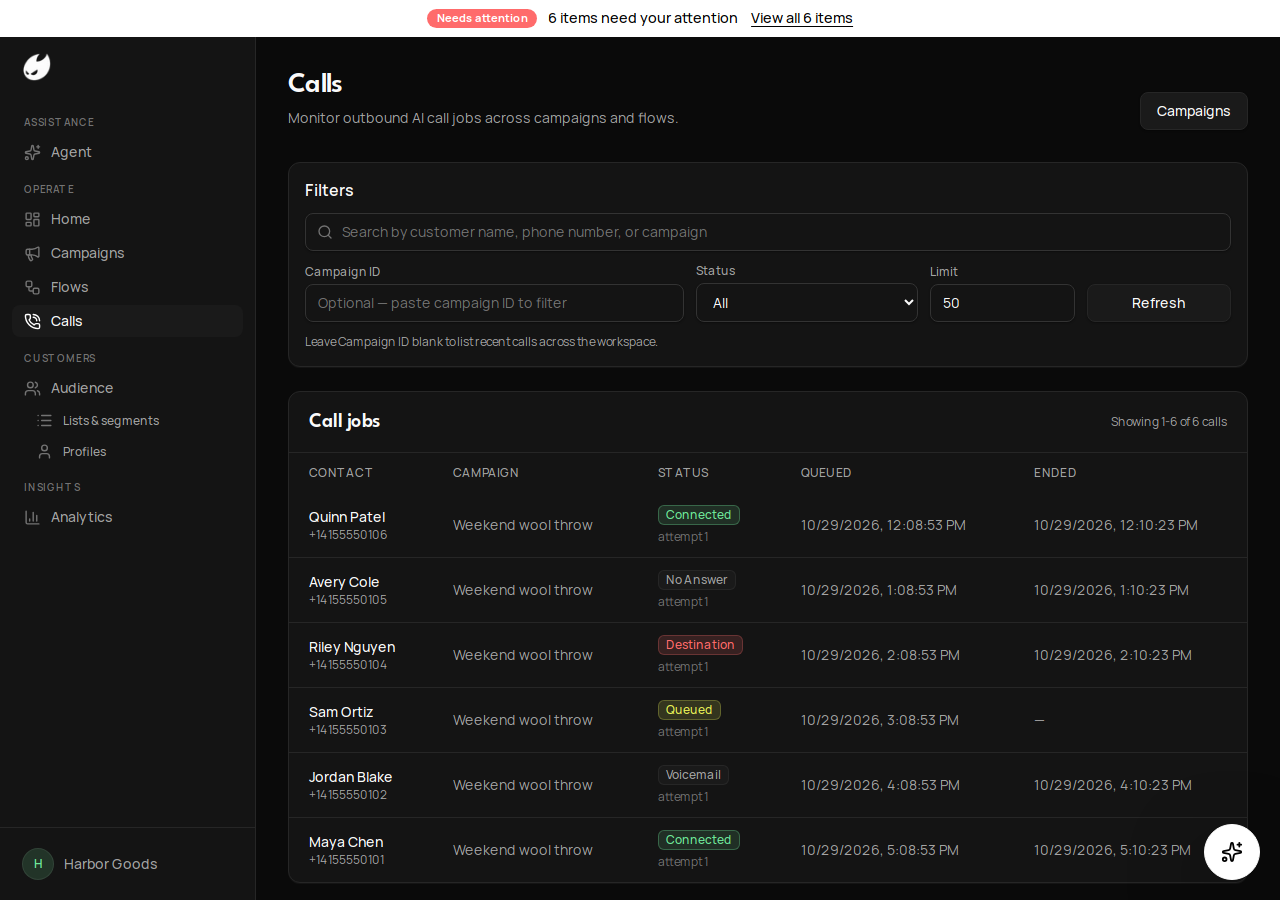
Calls is where you see the attempt. If the person is not listed at all, they were never enrolled. Audience eligibility on the flow is the page that explains who gets in.