

Post-purchase cross-sell
One call after an order, recommending products you approved and the customer does not already own.
Post-Purchase Cross-Sell starts when Shopify creates an order. The default wait is about 10 days after the order is processed. Change that delay if your product needs a different gap.
- 1Flows → Increase order value → Post-Purchase Cross-Sell.
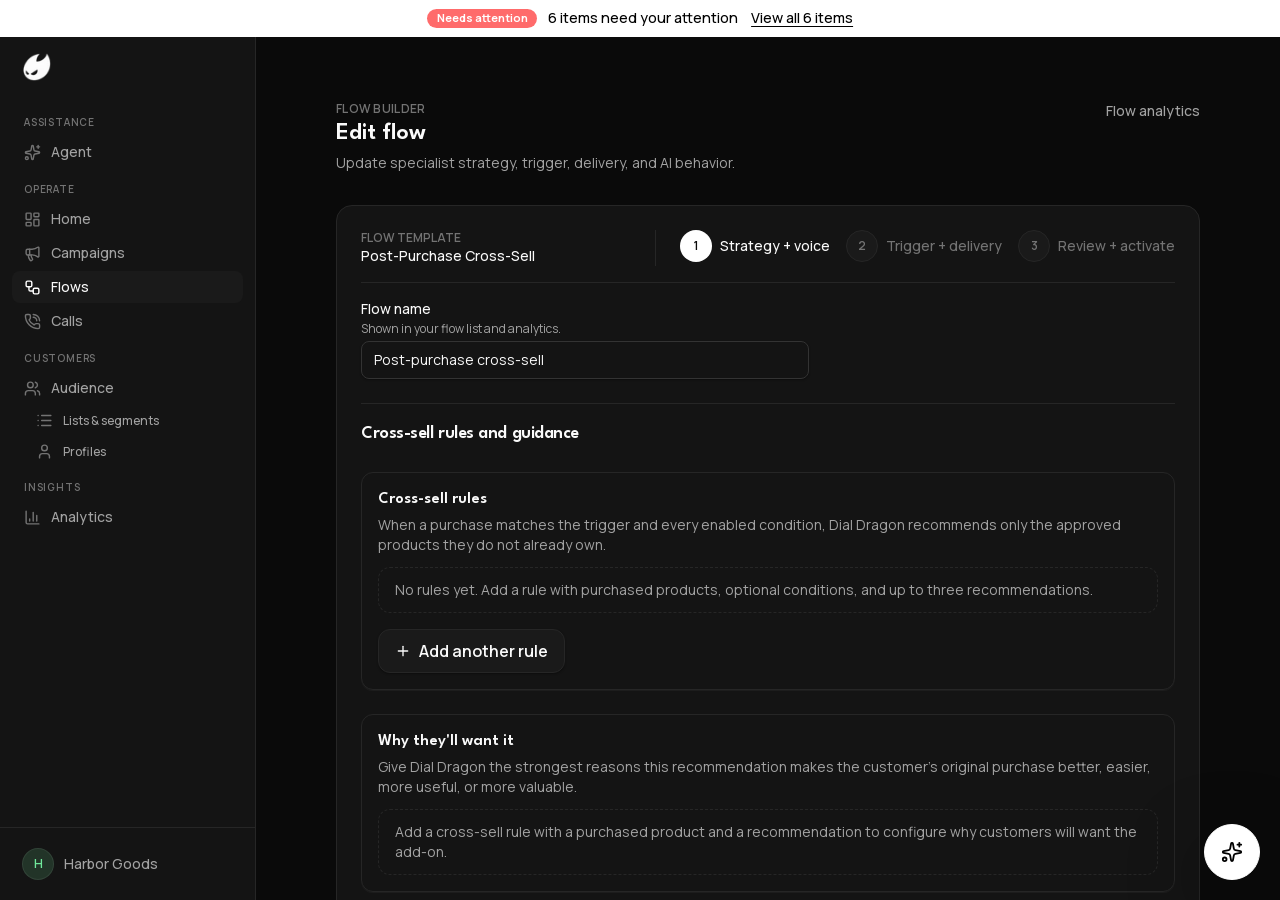
- 2On page 1, write the rules: when the customer bought X, recommend up to three products. The rep only offers products you approved, and only ones the customer does not already own.
- 3Set the opening offer under Offer incentive if you want one. Escalation, if you turn it on, lives under Objection guidance → Price and only moves after the customer pushes back on price.
- 4On page 2, set timing, calling window, caller number, and texts. A product link or a discount code are the text types for this flow.
- 5Save, test, and turn it on. The store has to be connected.
The rep talks about why the next product fits before mentioning a discount. The opening offer is a closer, not the hello. There is no step-up past the offers you filled in.