Voices
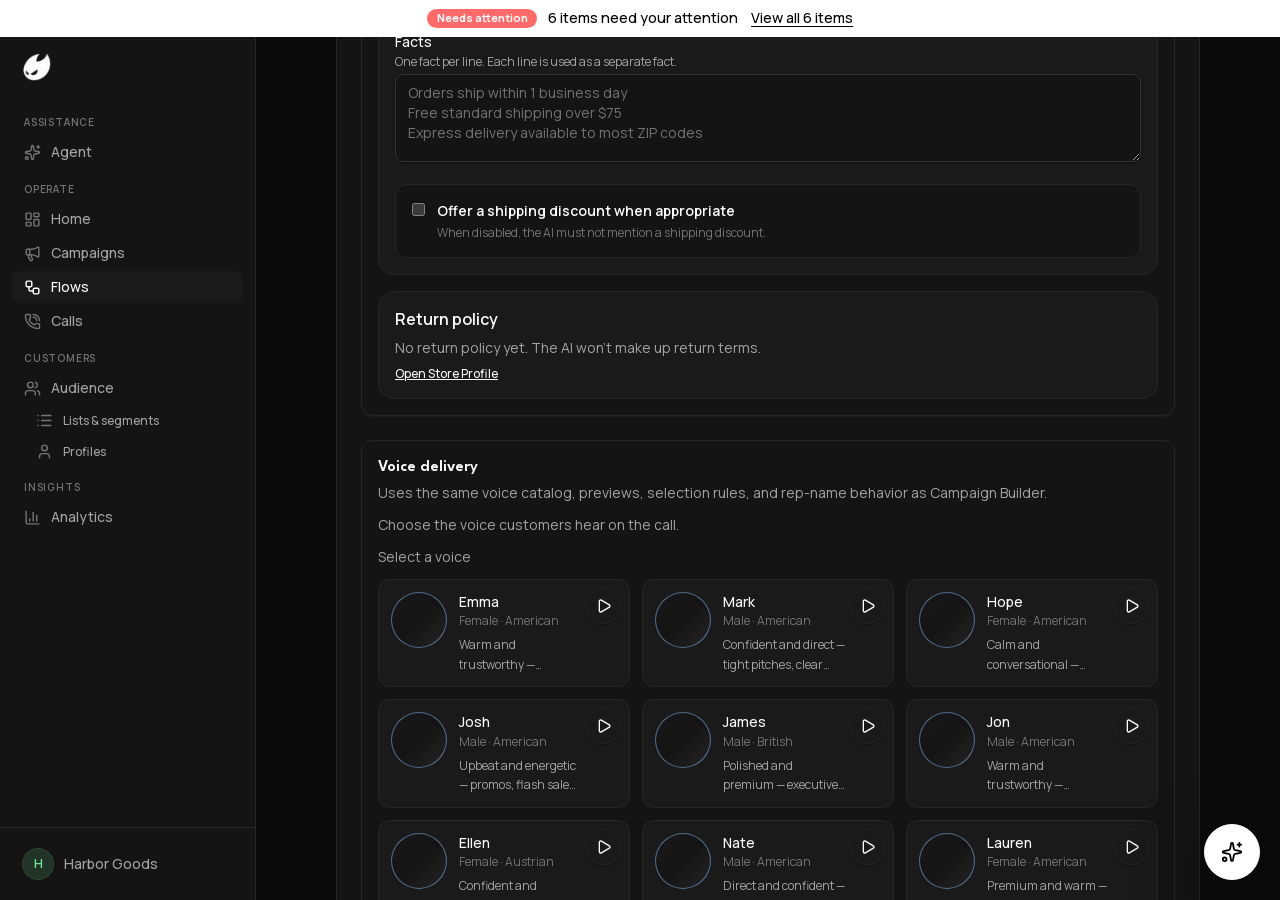
Pick one voice or several. Several voices are rotated. The badge marks the one with the highest conversion rate in your account.
Voice delivery is on page 1 of a flow and on the first step of a campaign. Preview a voice there before you save it.
Select more than one voice and Dial Dragon rotates them evenly across calls, including test calls. Each call uses the selected voice that has been used the least. A badge marks the voice with the highest conversion rate across your campaigns and flows. Rep names are chosen from name pools that match the voice on that call.
Voice results are under Analytics → Voices. To change the voice on a live flow, open it, change Voice delivery, and save. You do not have to pause it.