

Turn a flow on
Save, pick a caller number that is ready, place a test call, then turn the flow on. A draft does not dial.
Turning a flow on is the moment customers who match it can be called. Saving is not that moment. Autosave on a draft is not that moment either.
- 1Connect the Shopify store the flow belongs to.
- 2Finish page 1: the strategy, any offer you actually want used, and the voice.
- 3On page 2, set the audience if the template asks for one, the delay, the calling window, and Caller number. The number has to say Ready for calls.
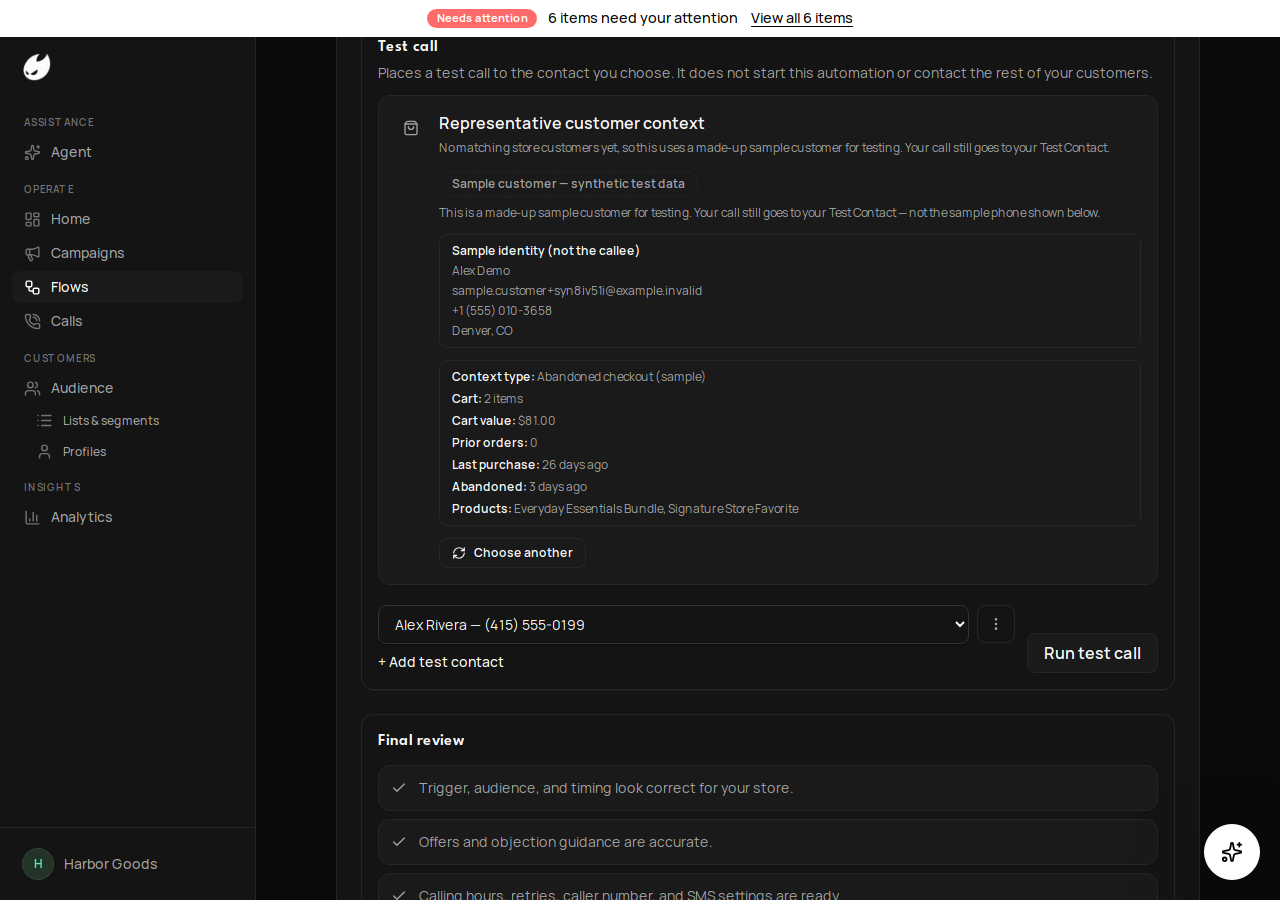
- 4Save. Open page 3 and place a test call to your own phone.
- 5Turn the flow on. From then on, new triggers enroll. People who already abandoned a cart last week are not back-filled.
If turn-on is refused, the message names the gap: store, caller number, or a required field. Fix that and try again. The Agent can prepare the same switch and still waits for Confirm. Confirming it starts real calls.