

Replenishment reminders
One product, one reminder, timed from the customer’s latest purchase of that product.
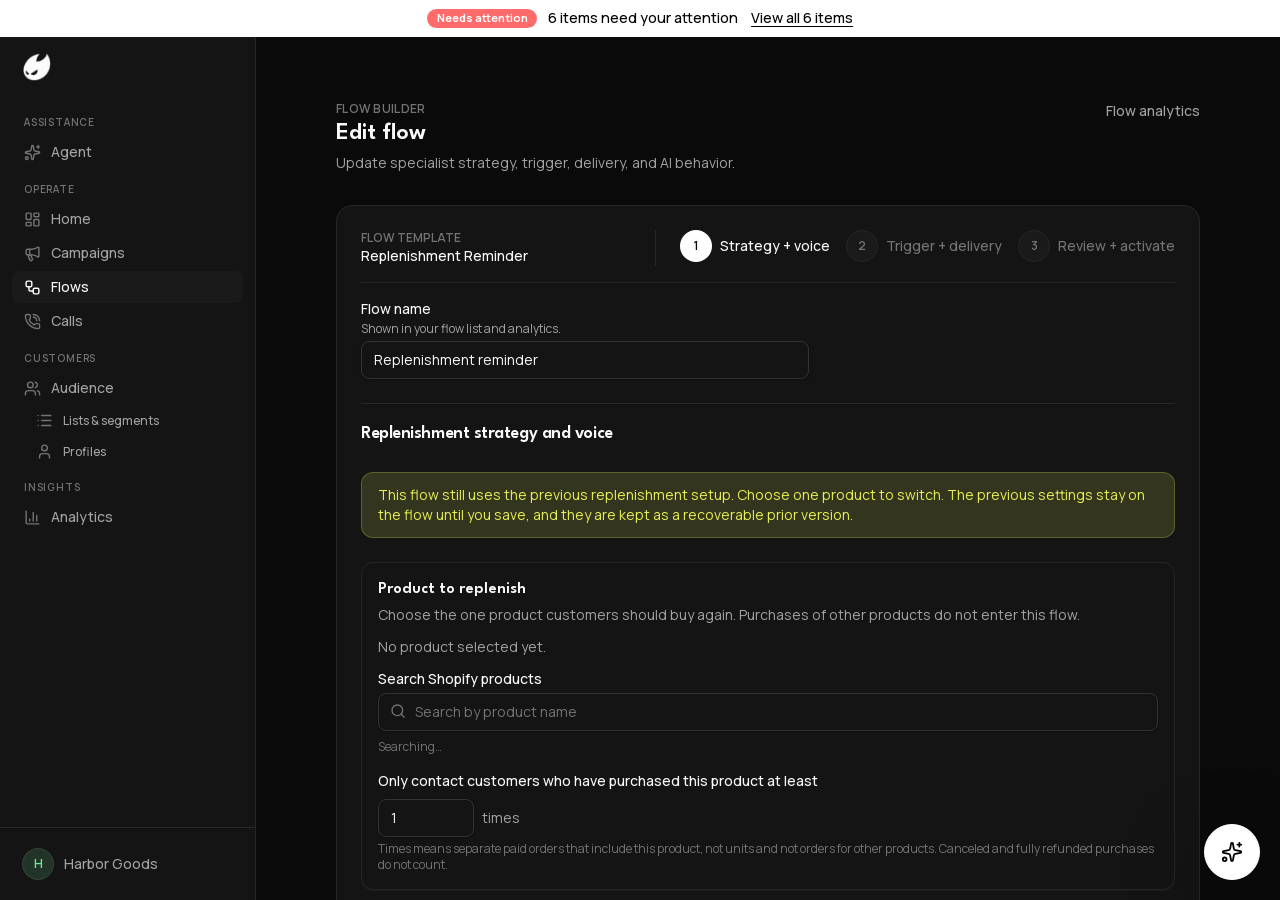
Replenishment Reminder is for a single product people buy again. Purchases of other products do not enter this flow.
- 1Flows → Customer retention → Replenishment Reminder.
- 2Pick exactly one Shopify product.
- 3Set the cycle: how long it usually lasts, and why you are calling (used up, wears out, a regular replacement, or seasonal).
- 4Optional: only enroll customers who have bought that product at least a certain number of times. Canceled and fully refunded orders do not count.
- 5Add one reorder offer if you want one. This flow has no second or third step. The rep will not raise the discount on the call.
- 6The call goes out after the delay you set from their latest qualifying purchase, in the workspace time zone. A newer purchase of that product replaces a reminder that has not been dialed yet.
The default copy does not claim the customer has run out. Keep your own script the same way unless you actually know that.