

Read the number setup list
Each row is one approval. In review means wait. Needs your attention means a field has to change before that row can move.
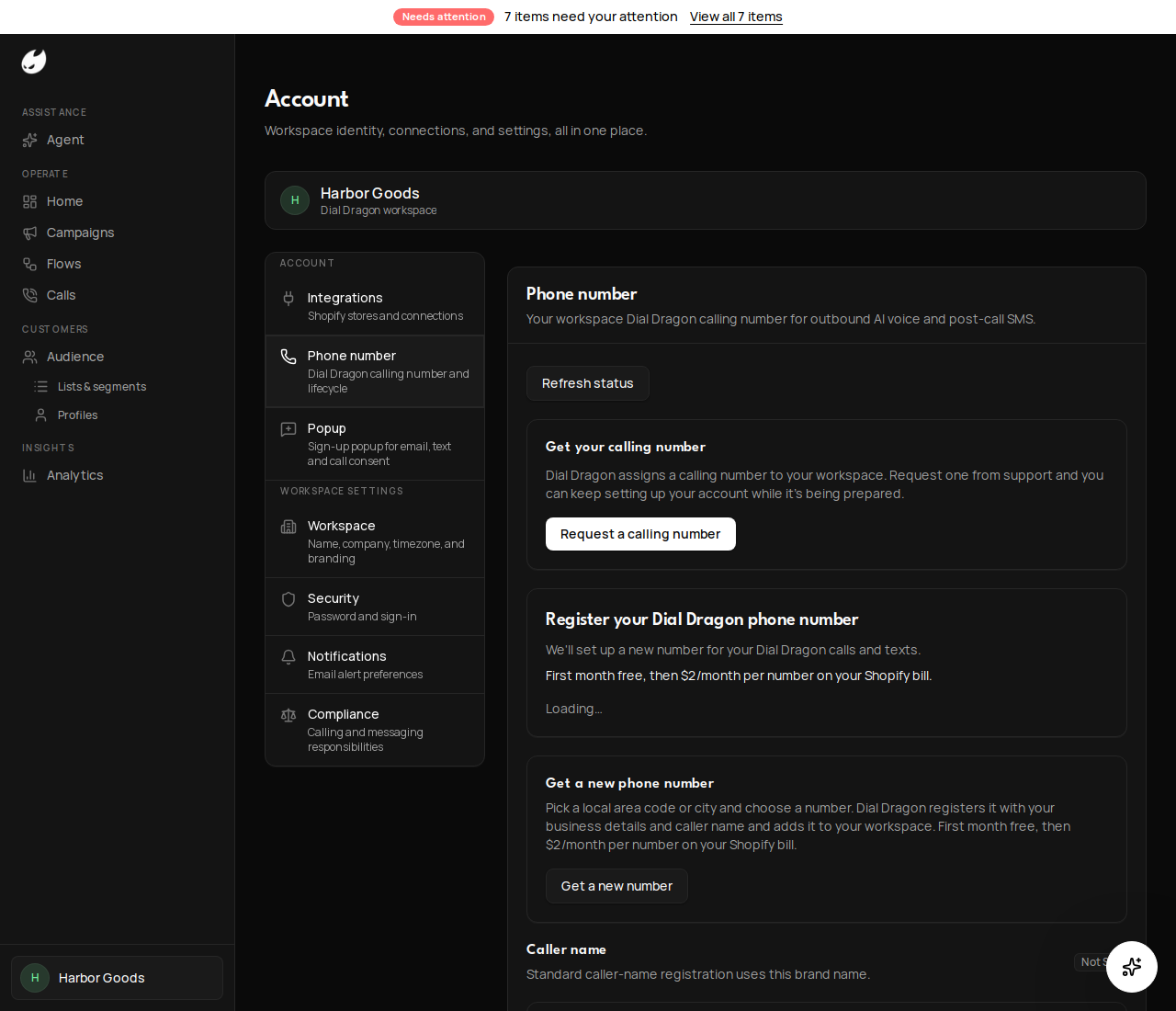
After you submit, Account → Phone number shows Number setup. The overall line is one of: add your details, we’re setting up your number, your number is in review, your number is approved and ready, or our team needs an update. We'll email you right away when your phone number has been approved.
- Not started. That step has not been sent yet.
- Setting up. Dial Dragon is still filing it.
- In review. It is with the carriers. Refresh does not speed it up. It only reloads the page.
- Approved, or Ready on the number row. That step is done.
- Needs your attention. Read the detail under the row, then Fix business details. Change the field it names. Save and submit.
Ready for calls is the label that matters for launching. Fully verified is the label when the list is done, including texting. A number can be ready for calls while texting approval is still open. Use Refresh status after you edit details, and after an approval email.