

The name customers see
Set the brand name on the calling number, and a square logo if you want it on phones that show one.
The name on the call is the brand name saved on the number, not your personal phone’s contact card. Customers who have never saved you will see that name once registration finishes.
Set it
- 1Open Account → Phone number.
- 2Find the caller name field and enter the brand, within 15 characters, starting with a letter.
- 3Save. Dial Dragon sends it for registration on the number.
- 4If you want a logo, turn on branded calling and upload a square 256 × 256 image, PNG or JPG. Phones usually crop it to a circle, so keep the mark in the center.
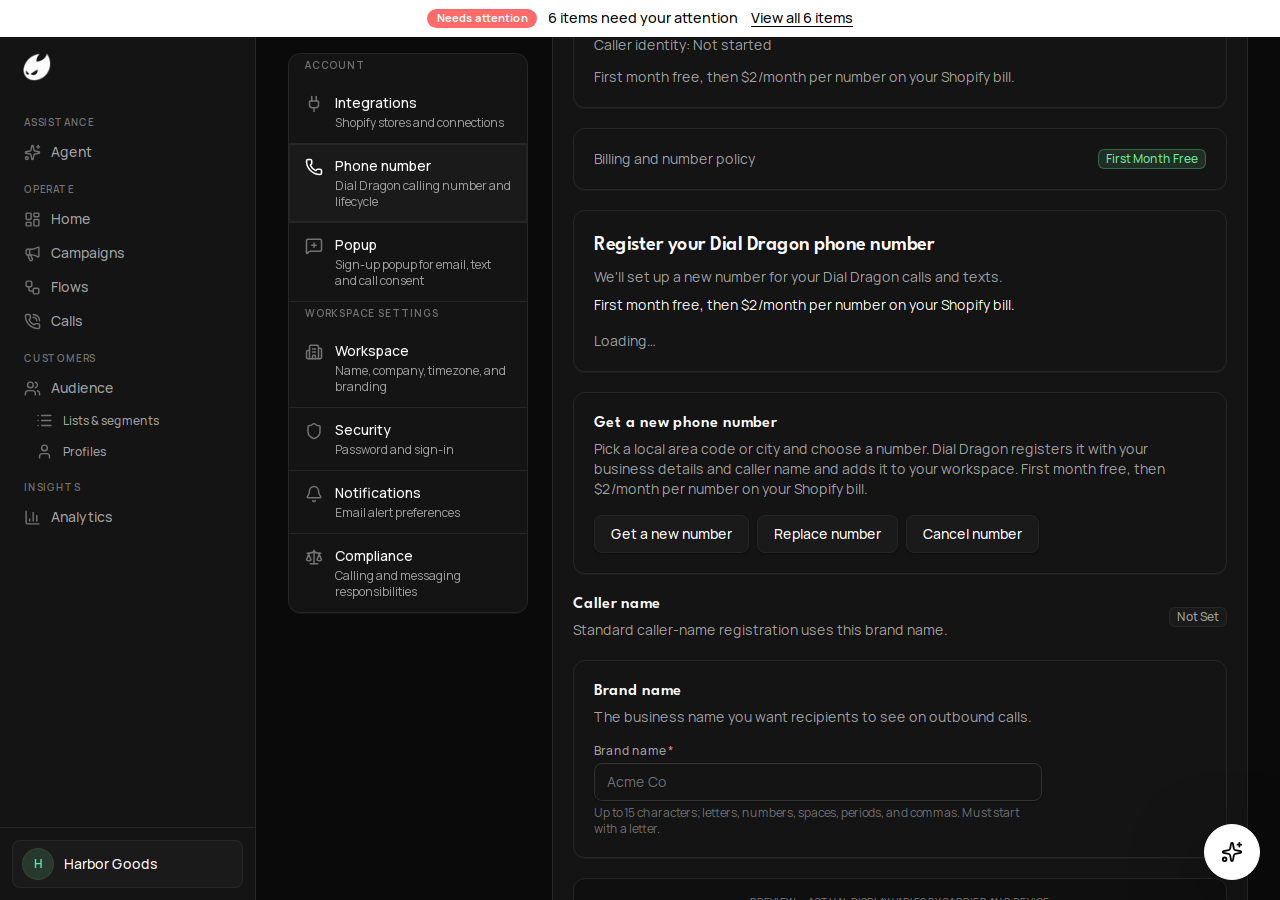
Until the name is approved, the page shows the registration status. If it says the caller identity blocks calls, live dials wait. Refresh status after you get the email. Business verification, the legal details behind the number, is limited to workspace owners and admins.