

Choose a phone number
Search by area code or browse available local numbers, then pick the one for your calls and texts. The area code filter is optional.
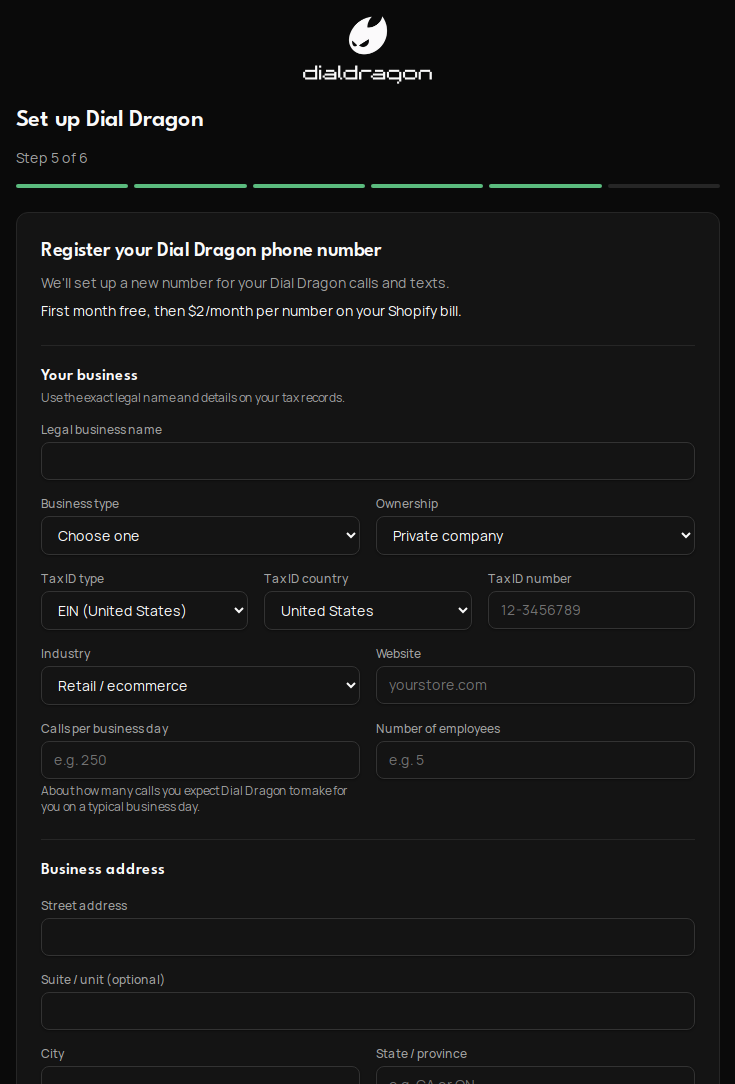
On Register your Dial Dragon phone number, Search by area code is optional. Three digits, like 416. It has to be a real area code format. 123 is rejected. Leave it blank to see available local numbers, then choose one. You need to pick a number before you can finish this step.
Customers who have never saved you will see the caller name, not a note that says which city you picked. Put the brand in Name shown on calls. Keep it inside 15 characters, starting with a letter. The phone preview on the form is the one to trust.
You can add another number later and set one as the default. Flows and campaigns still pick a Caller number of their own. The area code does not choose who gets dialed. Destination rules do: US and Canadian numbers, with the places Dial Dragon does not call left undialed.