

Change a flow that is already on
You do not have to pause a live flow to edit it. Save, and the next calls use the new settings.
Drafts keep their own autosave. An active or paused flow changes only when you press Save. You do not have to pause it first.
- 1Open the flow from Flows.
- 2Change the section you need. Voice is on page 1. Timing, caller number, and texts are on page 2.
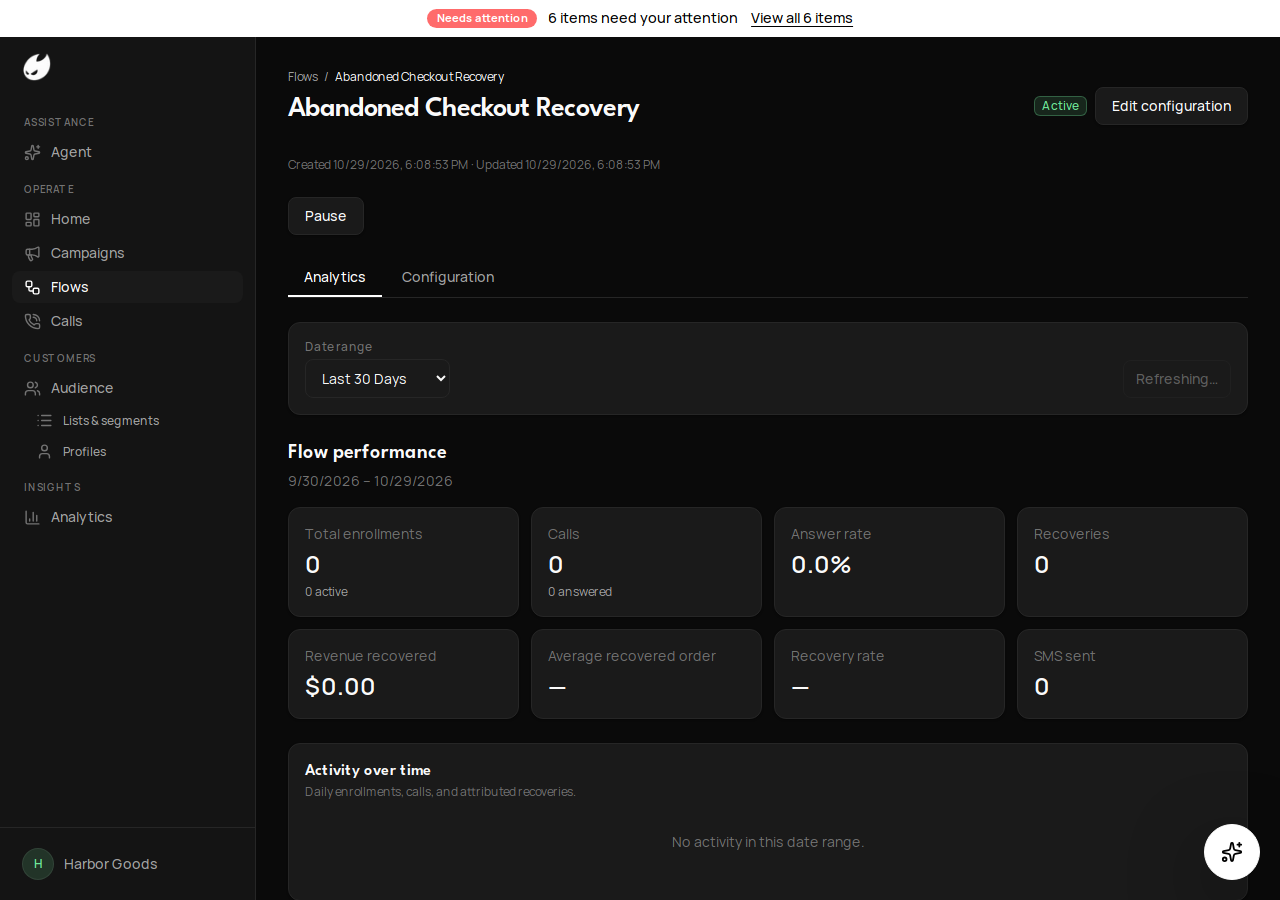
- 3Press Save. Calls placed after that save use the new settings.
- 4Turn on activates a draft or a paused flow for customers who trigger it from now on.
- 5Pause stops new calls until you turn it back on. A call already in progress finishes.
- 6Delete removes the flow and stops its pending calls. Past results stay in Analytics.
The in-app Agent can prepare these changes and ask you to confirm. Nothing is saved, paused, or turned on until you confirm. Turning a flow on starts real calls.