

What to have open before you start
The wizard is one sitting if the Shopify login, the legal business details, and your policy pages are already in reach.
You can create the account with an email and a password and come back later. The sitting goes faster if these are already open in another tab.
- The Shopify admin login for the shop, on the your-store.myshopify.com domain.
- The legal business name, business type, and tax ID, the way they appear on your tax records.
- The business address, and one person at the company who can be the authorized contact: name, job title, email, and phone.
- Your public website, privacy policy, and terms. Shipping and returns pages too, so the store profile is not guessing.
- A rough calls-per-day number and a headcount. Both are estimates on the phone form, not a plan you are buying.
- The brand name you want on the caller ID, in 15 characters or fewer.
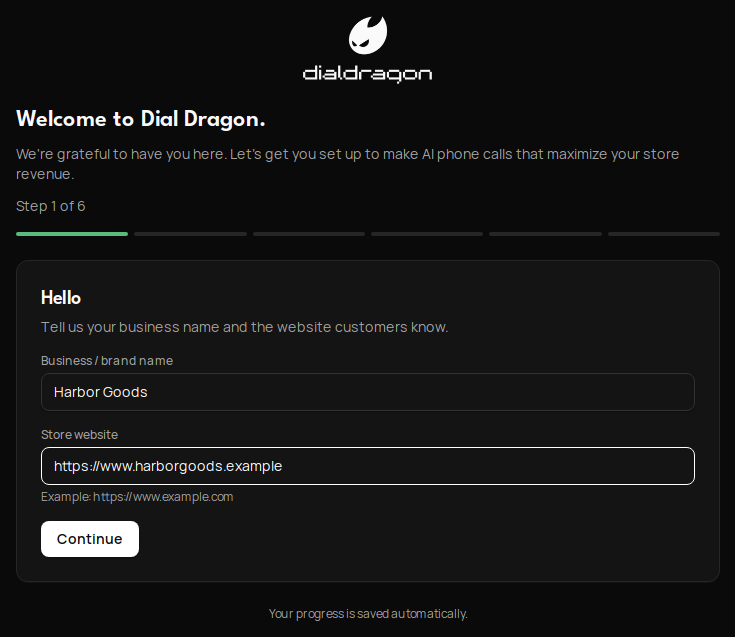
You do not need a discount code, a finished script, or a card on file to get through the wizard. Billing on that path is a price page. The calling number is the piece that leaves the building and comes back later.