

Set up Dial Dragon
Create the account, walk the wizard, and launch a campaign or a flow when the number is ready.
Sign up with email and password, then confirm the address. Dial Dragon opens the setup wizard so the next click is obvious.
Do it in this order
- 1Finish Hello with the business name.
- 2Connect Shopify from the wizard, or later from Account → Integrations.
- 3Set the checkout text-consent label in Customer calling and text consent before you send any texts.
- 4Read the store profile. Shopify and your website can fill it in. Correct anything that is wrong before a call quotes it.
- 5Register the calling number. The first month is free. After that each number is $2 a month.
- 6Open Billing so you know the price: 12.5¢ per connected minute, with the first 500 real outbound attempts free.
- 7Create a campaign if you want to call a list once, or a flow if a store event should start the call.
- 8Place a test call, then turn the program on.
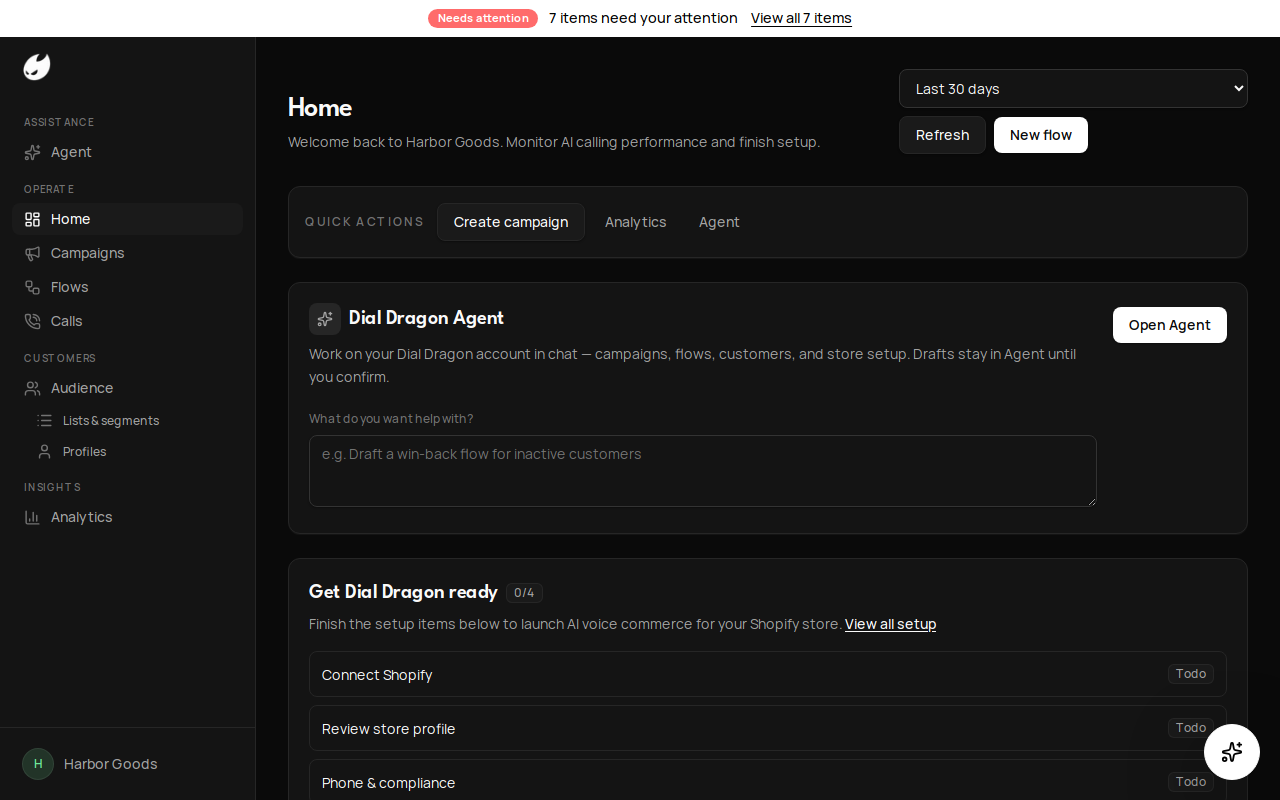
Log in later at the same email and password. If you skipped Shopify or the phone step, Home keeps those links until they are done.