

Pause, end, or delete a campaign
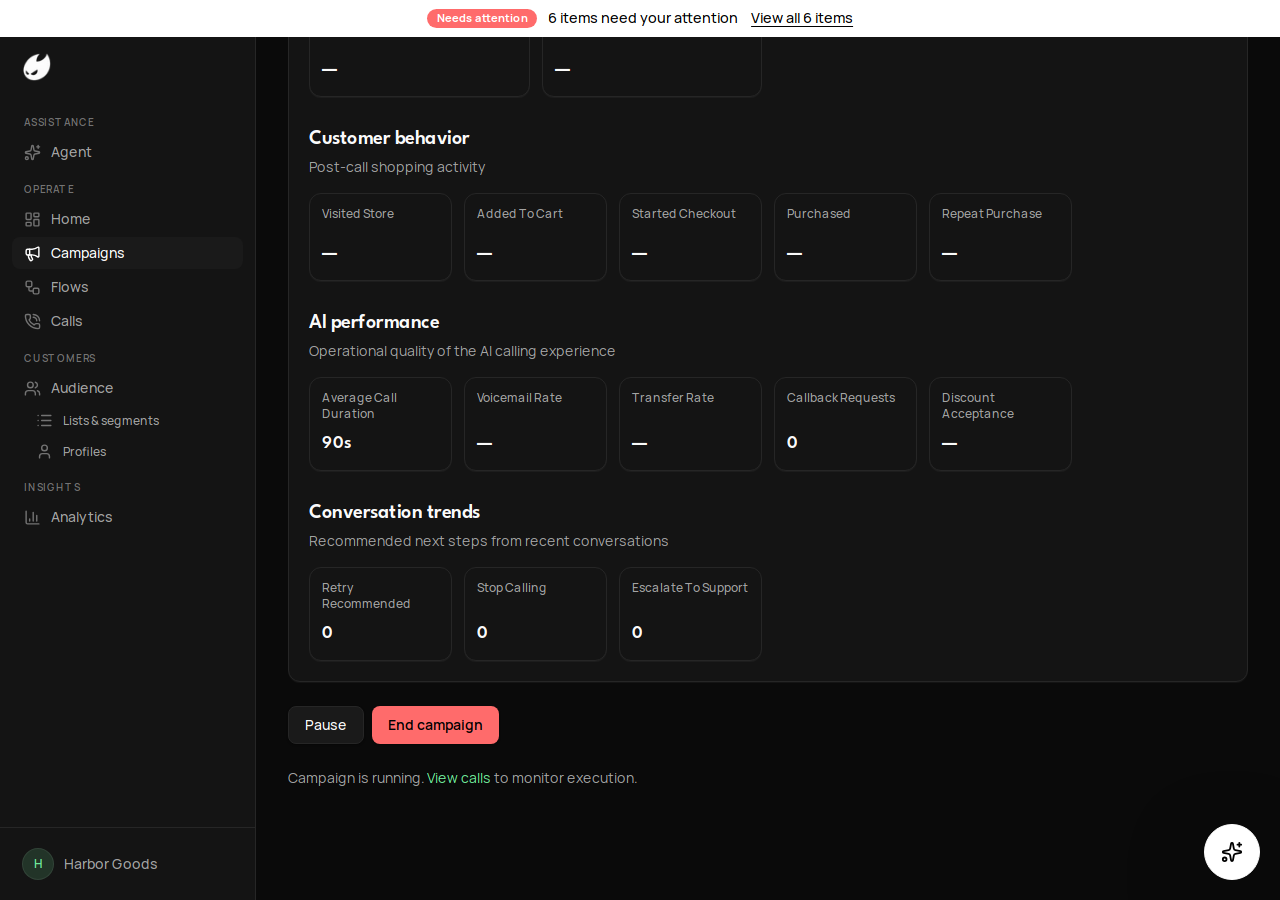
Pause stops new dials. End finishes the campaign for good. Delete takes it off your list and leaves the history.
- 1Open Campaigns and select the campaign.
- 2Pause, on a running campaign, stops new calls. A call already connected finishes. Resume continues with the people who have not been called.
- 3End, on a running or paused campaign, marks it completed and cancels the calls still queued. A completed campaign cannot be resumed. Copy the settings into a new campaign if you want to run it again.
- 4Delete removes the campaign from your lists. Past calls and results stay in Analytics.
A campaign that belongs to a flow is removed by deleting the flow, not from the campaign list alone. The in-app Agent can prepare any of these actions. They wait until you press Confirm.