

Offers and discount codes
Offers stay off until you add them. The rep can only say a code you typed, and only for the offer it has already reached.
Offers are off until you add them. Each offer is a percentage off, a fixed amount off, or free shipping, with an optional code. Dial Dragon does not suggest a percentage for you.
The code has to exist in Shopify
- 1Create the discount in Shopify admin. Dial Dragon does not create or edit Shopify discounts.
- 2Paste that same code into Discount code on the offer.
- 3Set an end date if the offer should stop being said after a day. That stops the rep. It does not change the discount in Shopify.
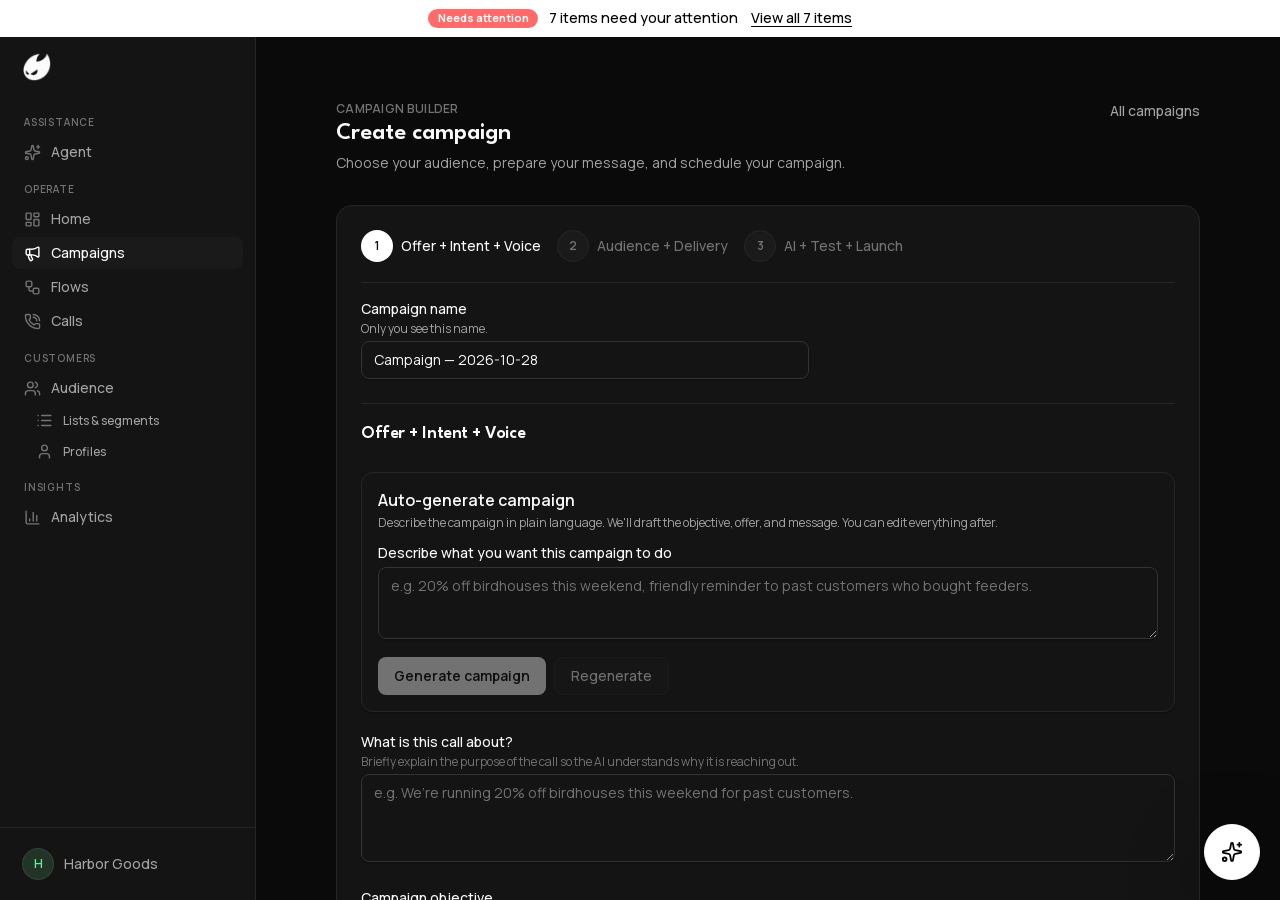
On a campaign, Offer escalation is optional. Check “Allow AI to improve the offer if the customer says no,” then fill in a second offer and a final offer. The rep says the opening offer first. It steps up one offer at a time, and only when the customer pushes back on price. A question about shipping, sizing, or what the code is does not unlock a better offer. The final offer needs a price objection in that moment. A hard stop, or “this isn’t for me,” ends the ladder for the rest of the call.
Abandoned checkout can hold three recovery offers. Cross-sell can escalate after the opening incentive. Replenishment and Concierge Welcome each have one offer and no ladder. A sitewide offer already running on your website can be mentioned as context. It is not presented as a new recovery step.
The follow-up text sends the code for the highest offer that was actually said on the call, if you left “send discount code” checked. The rep will not claim the discount applies automatically at checkout unless that is really how the code works.