

Look up one customer
Audience → Profiles is one person. Calls is their dials. The Agent will not recite an order history in chat.
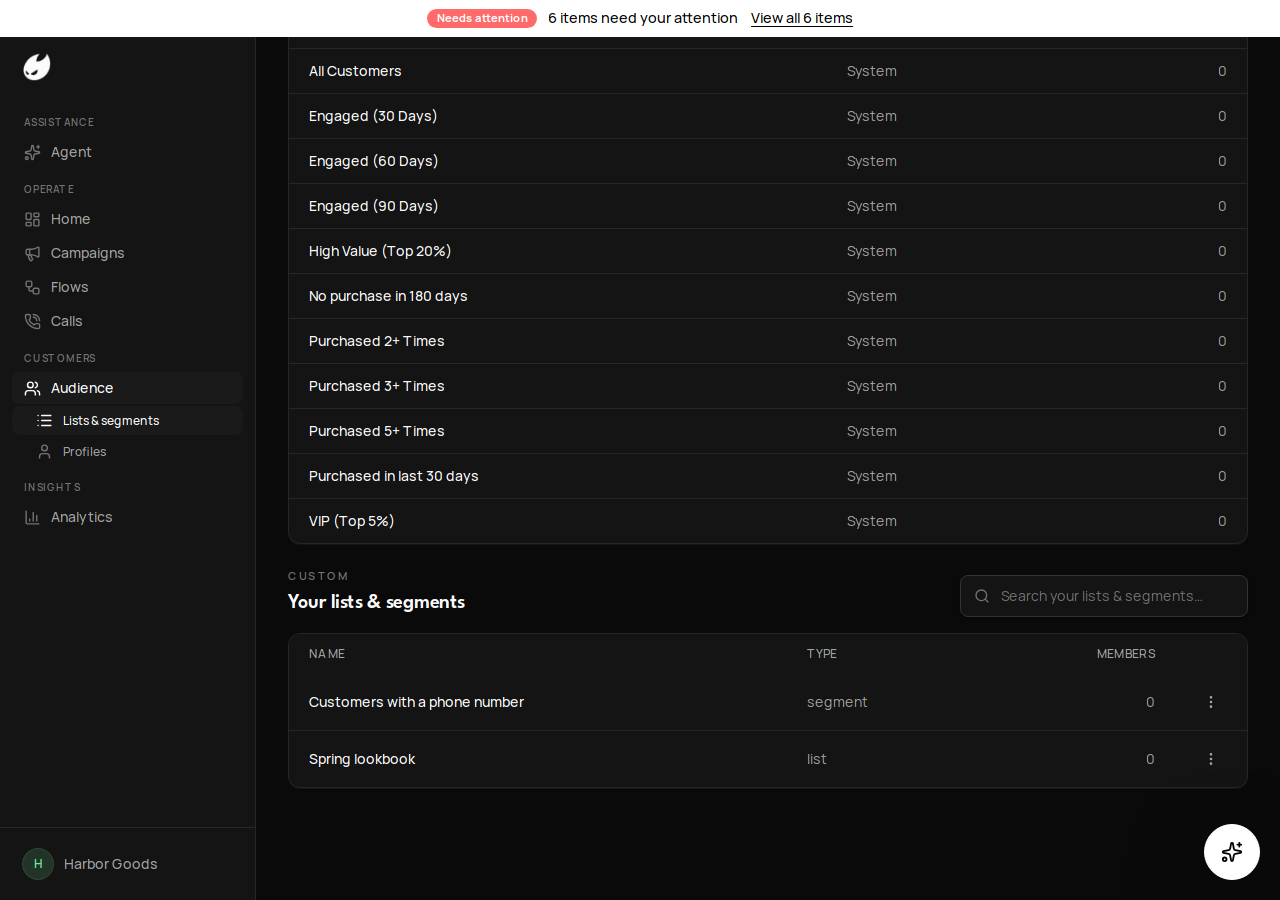
Profiles, under Audience, is the person-level page. Search by the name or the details you have. The row is that customer as Dial Dragon knows them from Shopify and from lists you uploaded.
Their calls are on Calls. Search that page by name, phone number, or campaign, then open the row for the outcome and the transcript. Attributed revenue for the call is on Analytics, not on the profile.
The Agent can link you to Profiles. It cannot look up one customer’s orders inside the chat. If you need the order itself, Shopify admin is still the order system. Dial Dragon reads the order. It does not replace it.