

Build a segment
Pick rules Dial Dragon actually has. There is no hidden VIP flag. Spend, order count, or a Shopify tag is how you write one.
- 1Open Audience → Create audience.
- 2Choose Segment (Shopify rules), not List, unless you are uploading a file.
- 3Add rules and choose whether someone must match all of them or any of them.
- 4Name it and save. Campaigns can select it as soon as it has people in it.
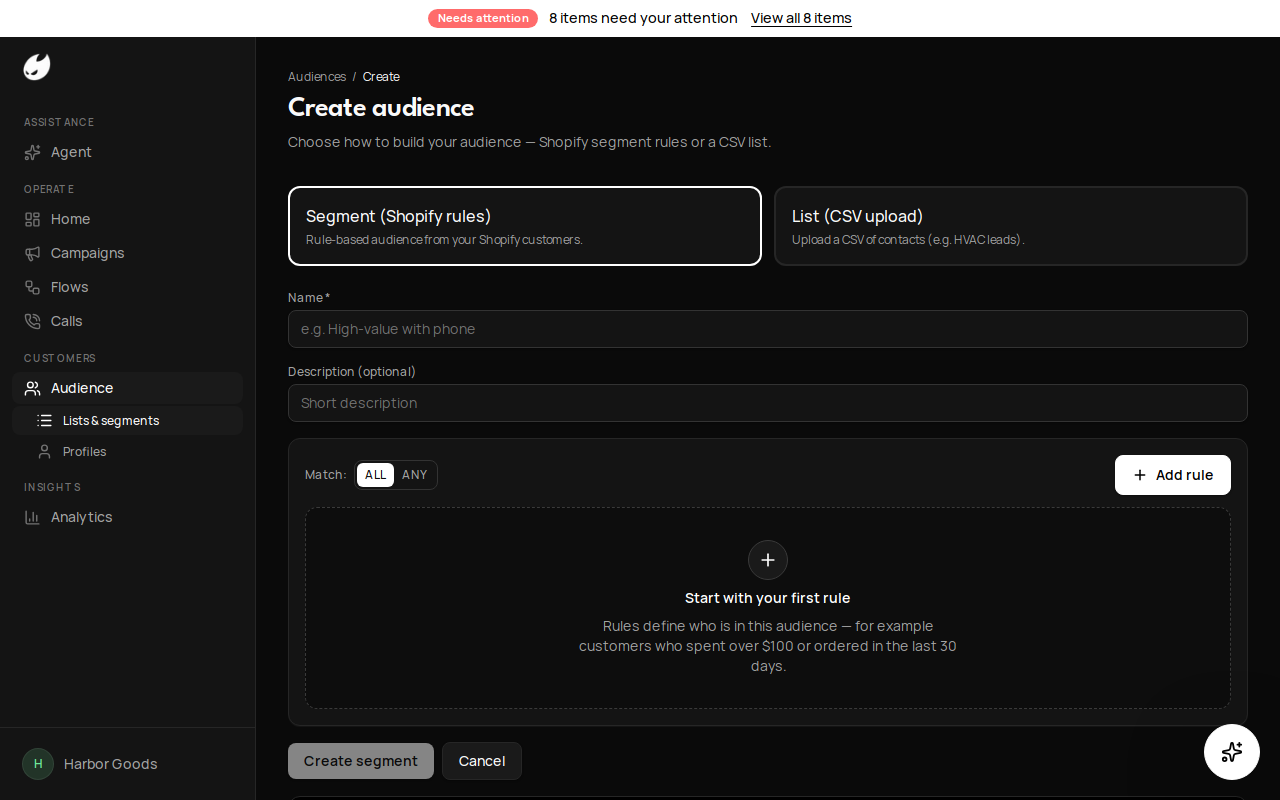
A few rules you will actually use: Purchased product title contains, or Purchased SKU contains, for “bought this product.” Total spent and Orders count for people who have spent more or ordered more. Tags contain, if you already tag VIPs in Shopify. Has phone, so you are not building a list Dial Dragon cannot dial. Abandoned checkout within days, for recent carts.
There is no separate VIP switch. If the store does not tag VIPs, use Total spent or Orders count. State, country, and whether they accept marketing are rules too. If a rule is not in the builder, Dial Dragon cannot filter on it.