How attributed revenue works
An order counts when it falls inside your attribution window after a qualifying call. That is not proof the call caused it.
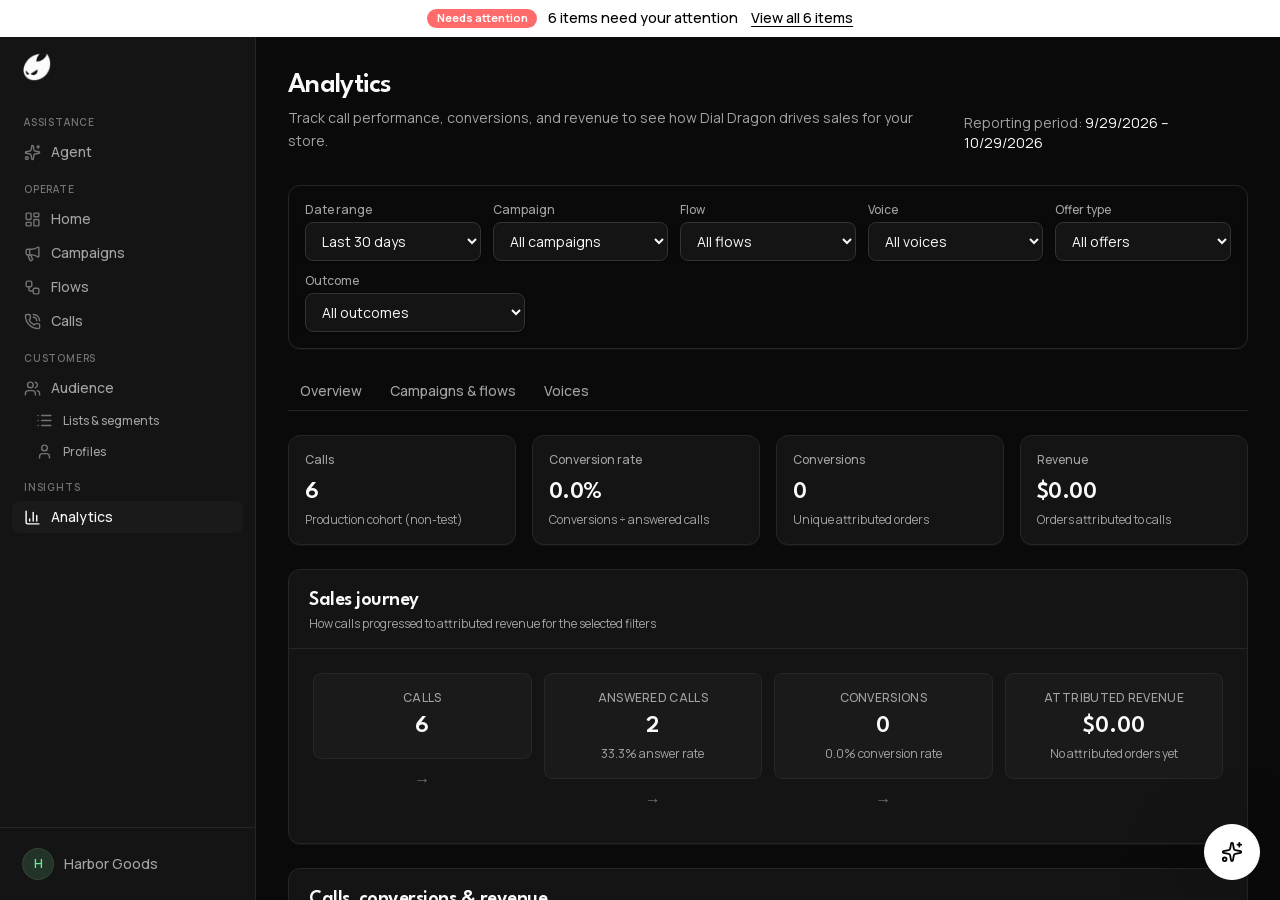
Analytics shows calls, answered calls, conversions, conversion rate, and attributed revenue, plus a funnel and a table by campaign, flow, and voice. Test calls are excluded.
An order is credited to a call when it happens inside the attribution window after that call. The choices are 1, 3, 7, 14, or 30 days. The default is 7. Change it under Account → Workspace → Attribution window. The number is a rule for the report. It is not proof the call caused the purchase.
You can filter by date, campaign, flow, voice, offer type, and call outcome. A table that splits results by each individual offer is not in the product. Use the offer-type filter.