

Read a transcript
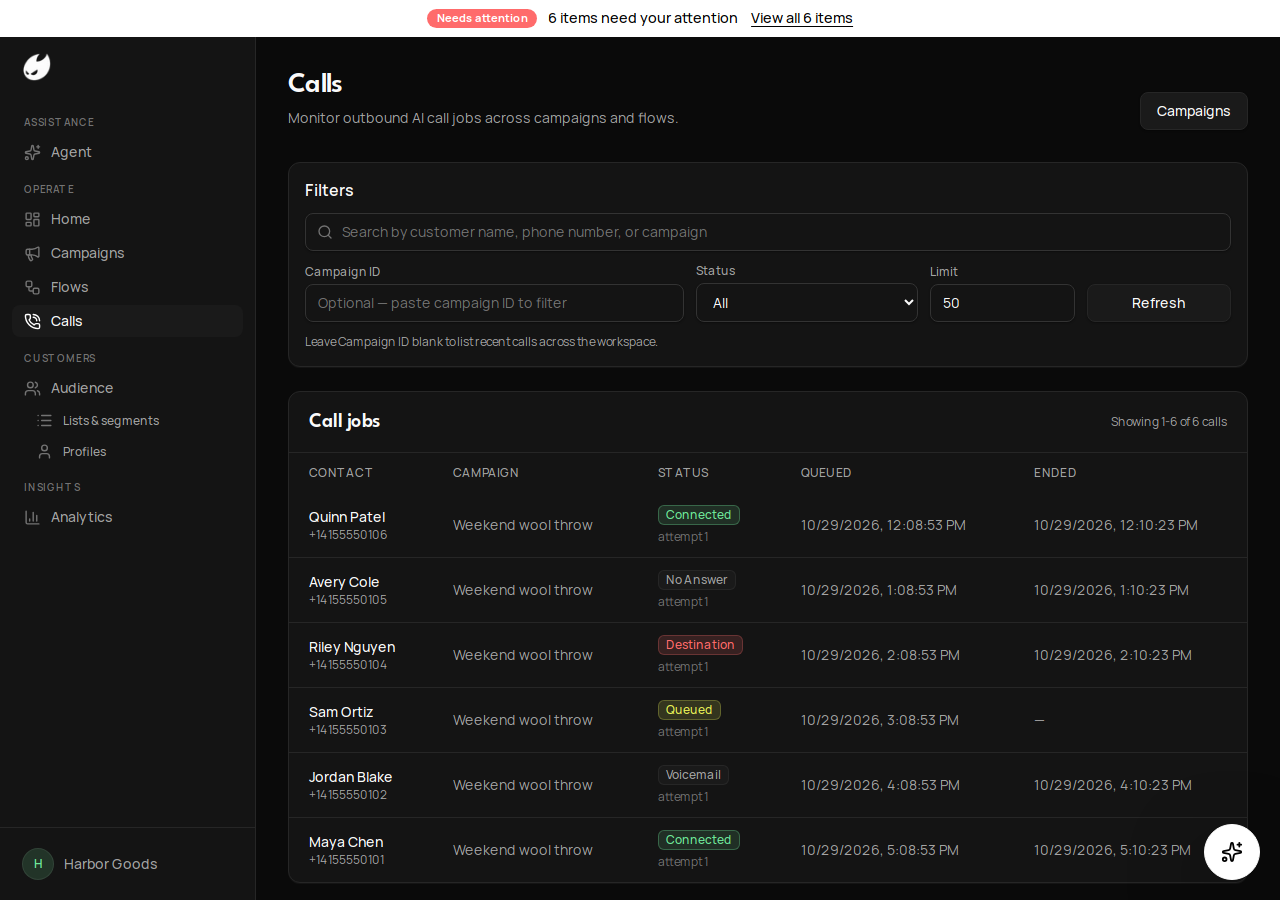
Calls lists every attempt. Open one for the outcome, a transcript, and why it did not connect.
- 1Open Calls.
- 2Search by customer name, phone number, or campaign.
- 3Filter by status: completed, no answer, busy, voicemail, failed, canceled, queued, or in progress.
- 4Open a row for the outcome and the transcript summary. Calls that never connected show the drop or failure reason.
Revenue for those calls is on Analytics, not on the call row. Filter Analytics by campaign, flow, or call outcome. If someone was never dialed, the usual reasons are missing consent, a calling window that has not opened yet, a first-call delay that has not passed, or a purchase that already ended the flow.