

Change your password
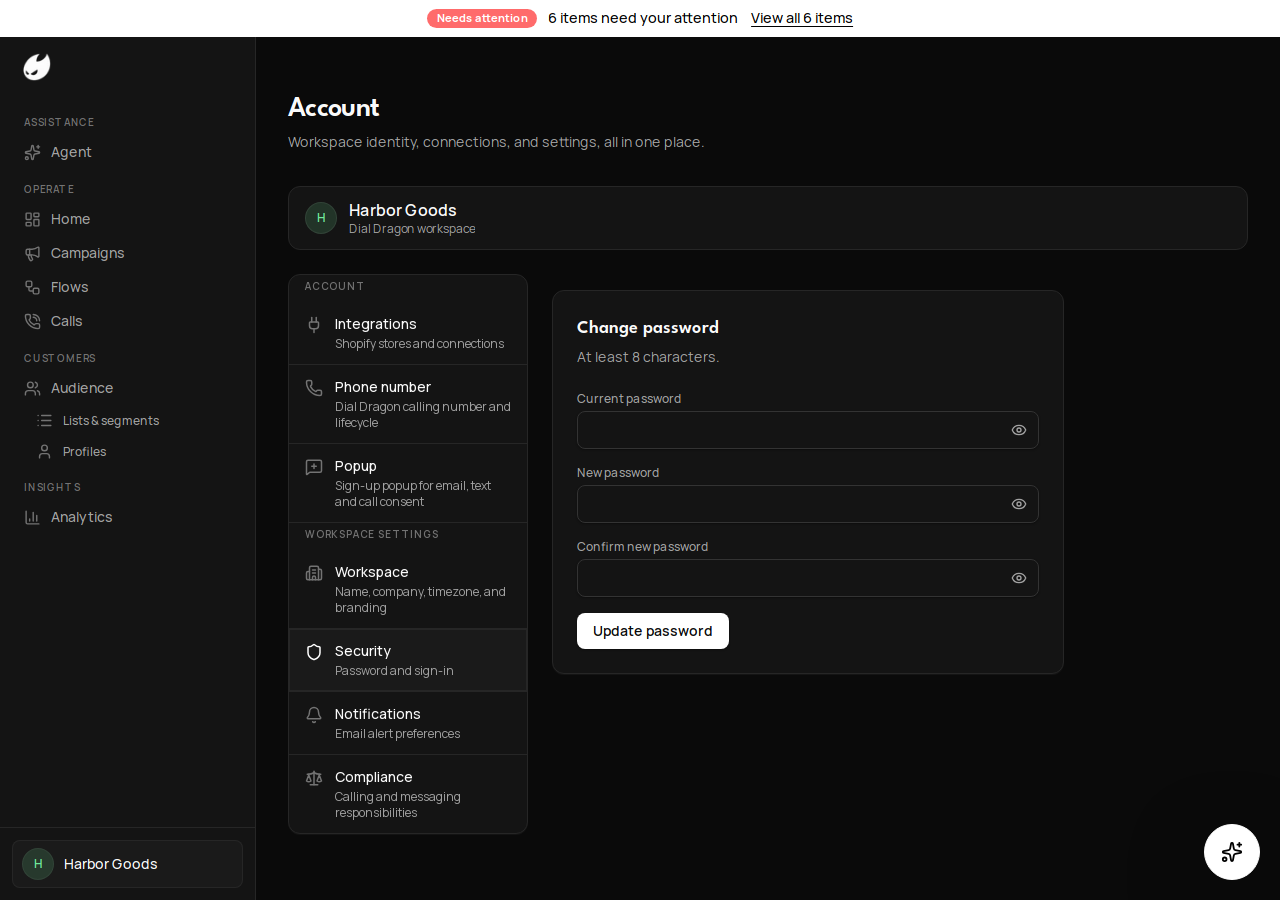
Account → Security is the password. It asks for the current password and a new one of at least 8 characters. The login email is changed under Workspace.
- 1Open Account → Security.
- 2Enter the current password, the new password, and the confirmation. The new one has to be at least 8 characters.
- 3Save. Sign in again if the session asks you to.
- 4To change the email you sign in with, use Account → Workspace, not this page. That change confirms through the current login.
If you do not know the current password, use the reset on the sign-in page. Do not create a second account to get back into the same shop. The Shopify connection and the calling number live on the original workspace.