

Before you launch a campaign
Audience, caller number, a test call to yourself, and a window you would answer. Launch is the click that starts real dials.
- 1Read the audience count. An empty segment launches into nobody.
- 2Confirm Caller phone number is the line that says Ready for calls.
- 3Read the offer. If the code is wrong, Shopify will reject it at checkout and the call cannot fix that.
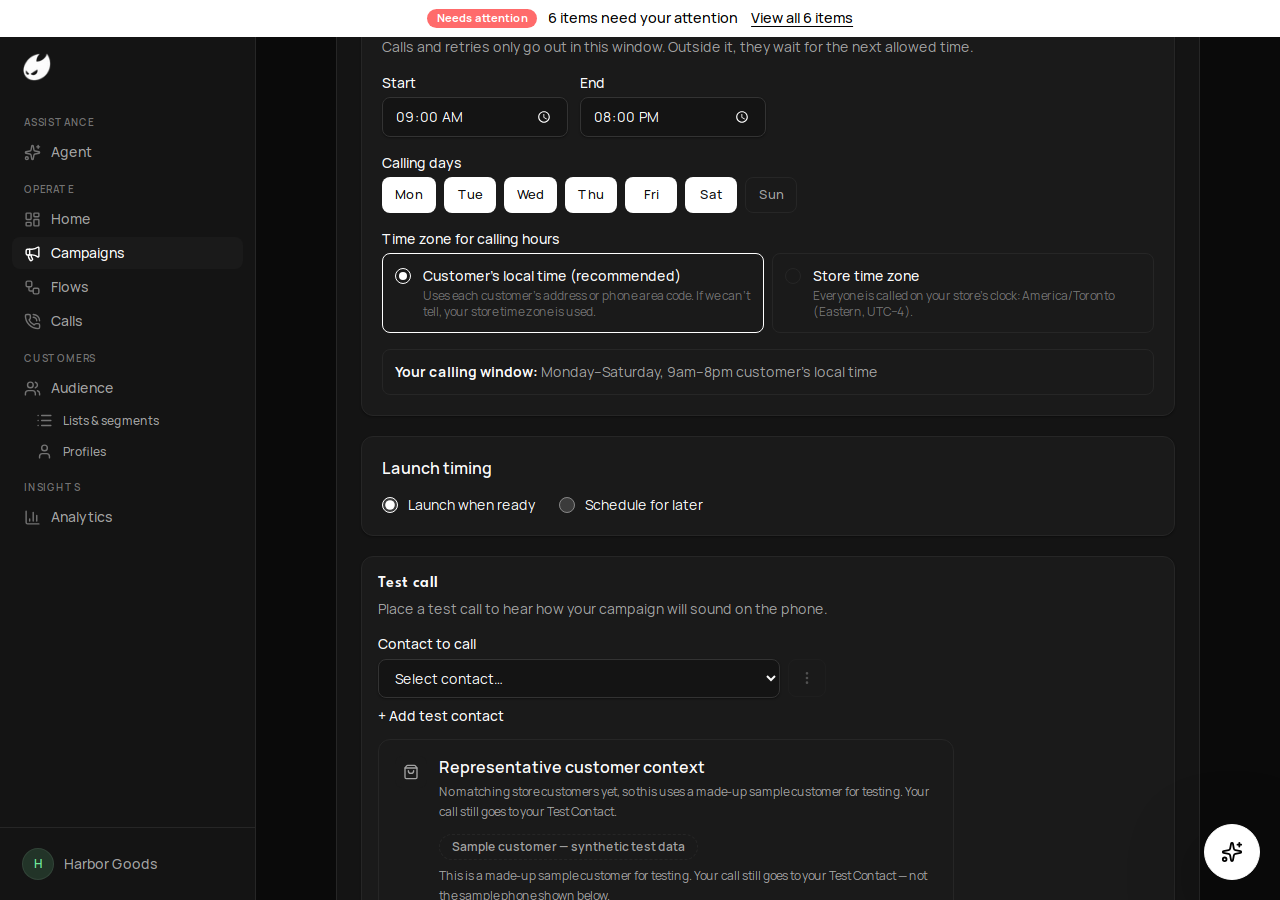
- 4Place the test call on the last step. It does not dial the audience.
- 5Check calling hours and the start time. Then launch.
Pause stops new dials. A call already connected finishes. End is permanent for that campaign. If you launched into the wrong list, pause first, then decide whether to end it. You cannot un-call someone who already picked up.