

Ask the Agent
The Agent reads your workspace and can prepare edits. Nothing changes until you press Confirm. It is not the support inbox.
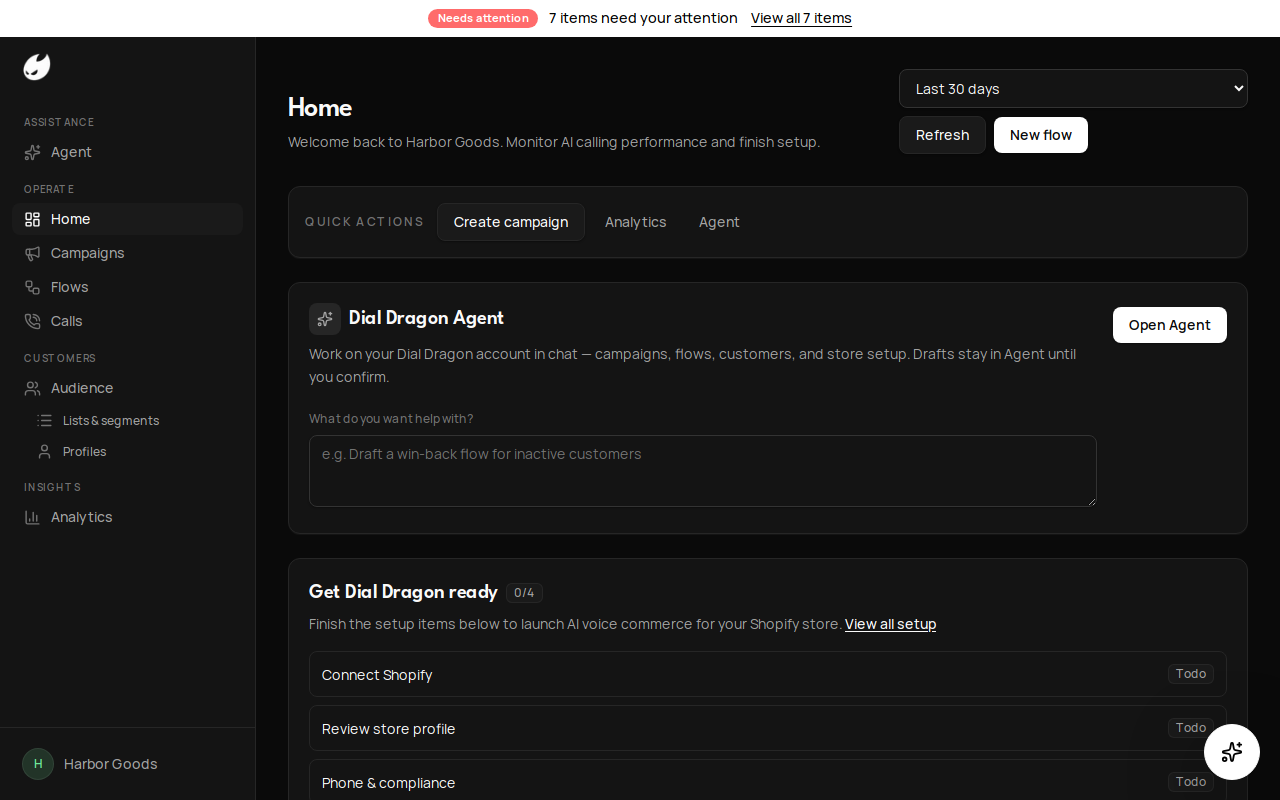
The Agent lives on the Agent page, and in the panel you can open while you are in the app. It can see your flows, campaigns, audiences, products, phone numbers, launch readiness, analytics, billing usage, and settings.
- It answers questions about Dial Dragon and about this workspace, using what is actually saved.
- Edits show up as a confirmation card. Create or change a draft, edit a live flow or campaign, pause, resume, end, delete, or update the business profile. You press Confirm, or you do not.
- Turning a flow on, or launching a campaign, from a confirmed card starts real calls.
It will not buy a phone number, change billing, change consent, disconnect Shopify, place a test call, or send a text from the chat. It also cannot pull one customer’s order history. That person is under Audience → Profiles. Ask it to take you to a page and it hands you the link.
A person at Dial Dragon still reads support@dialdragon.com. The Agent is not that mailbox.