

The checkout box is for texts
The Shopify marketing checkbox you paste a label into covers texts. Do not write calls into that label. Call consent has its own unchecked box.
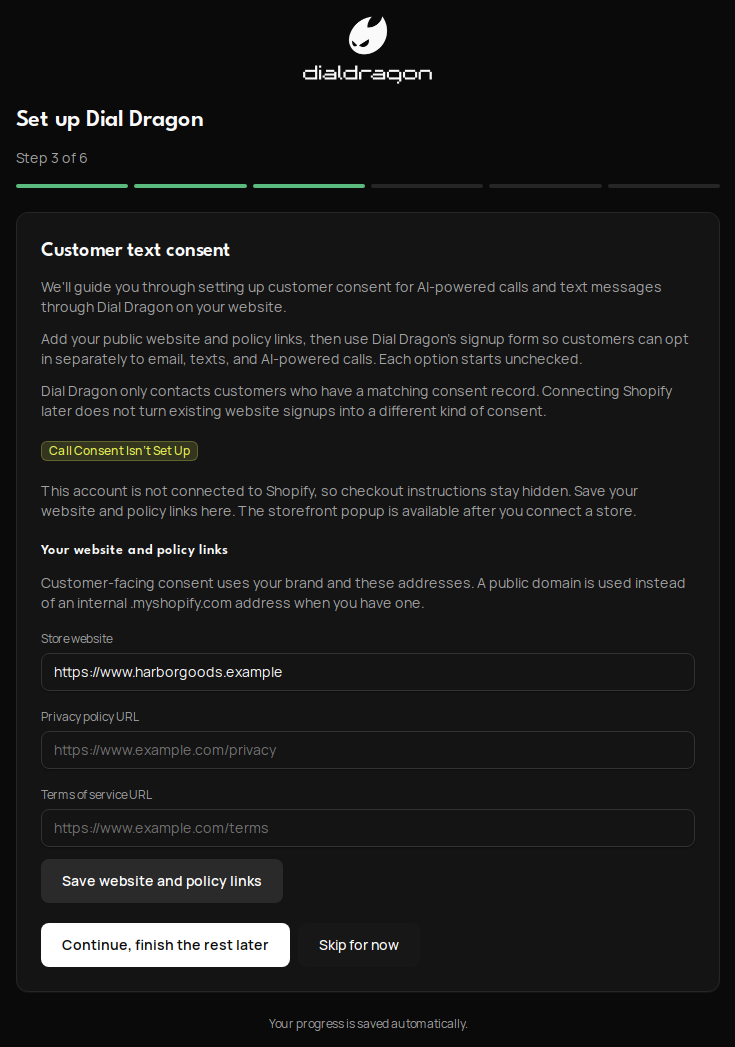
Account → Compliance → Customer text consent gives you a label written for your store. It names the store, says consent is not required to buy, covers message frequency, message and data rates, and HELP and STOP, and links to your terms and privacy policy.
Paste it into Shopify’s SMS consent label at checkout. The box starts unticked. If Shopify cuts the label off, use the shorter version on the same Dial Dragon page. Do not add calls to either version. The product tells you this on the page: that box covers texts only.
Call consent is the popup, or a verified Plus checkout checkbox when you have one. A customer who opted into texts has not opted into calls. A customer who opted into calls has a separate record. Dial Dragon treats them as separate.