

The Shopify spending cap
Shopify billing adds each call to the shop invoice, up to a cap you approve. When the next call would pass the cap, calling stops until you raise it.
If the workspace is billed through Shopify, Dial Dragon does not ask for a card. Usage is added to the Shopify invoice on Shopify’s own cycle. You approve a spending cap. That cap is the ceiling for the cycle, not a monthly platform fee.
- 1Open Billing and read the cap you approved.
- 2Each call is submitted with the texts from that call.
- 3When the next call would pass the cap, calls stop. The billing page tells you to approve a higher cap.
- 4Raise the cap in the Shopify billing prompt. Calling resumes after that approval. Old calls are not re-priced.
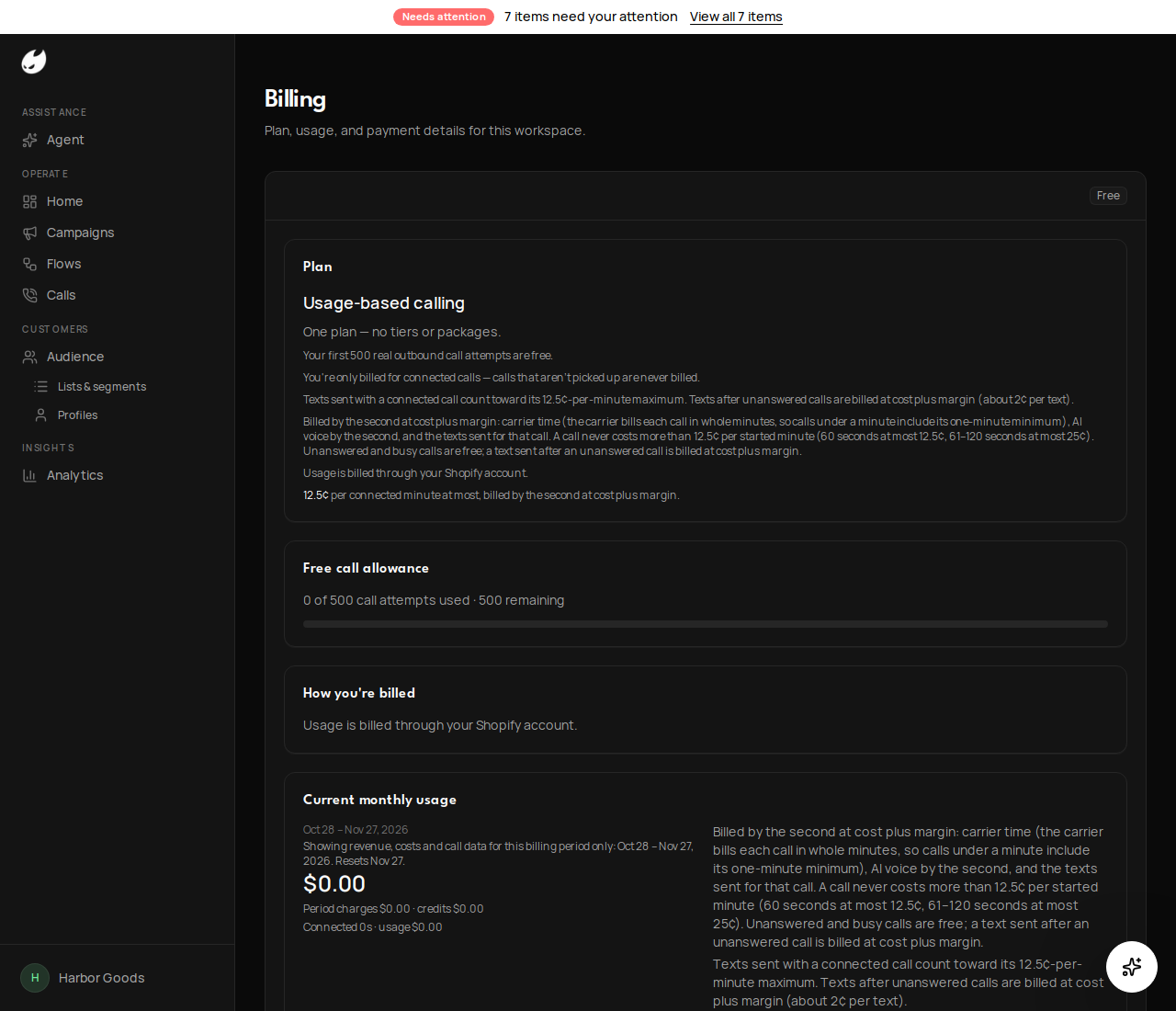
A dialdragon.com workspace that pays by card is different. That saved payment method is charged when the unpaid balance reaches $500, or after 7 days with a balance, whichever comes first. Shopify-billed stores stay on the Shopify invoice.